

How to add a custom connector
- Go to Settings → Connectors → Custom
- Click Add custom connector
- Fill in the three required fields:
@mention you use in step descriptions and the prefix for your credential keys.
- Key — letters and underscores only, e.g.
API_KEY,SECRET - Value — the credential value (stored encrypted)
companies_house with key API_KEY becomes COMPANIES_HOUSE_API_KEY in the generated code. You can add multiple credentials per connector. Duplicate keys are rejected.
Description — Explain what the API does and how to use it. Felix reads this description when generating code for steps that reference the connector — the more clearly you describe the API, the more accurately Felix will call it.
- Click Save
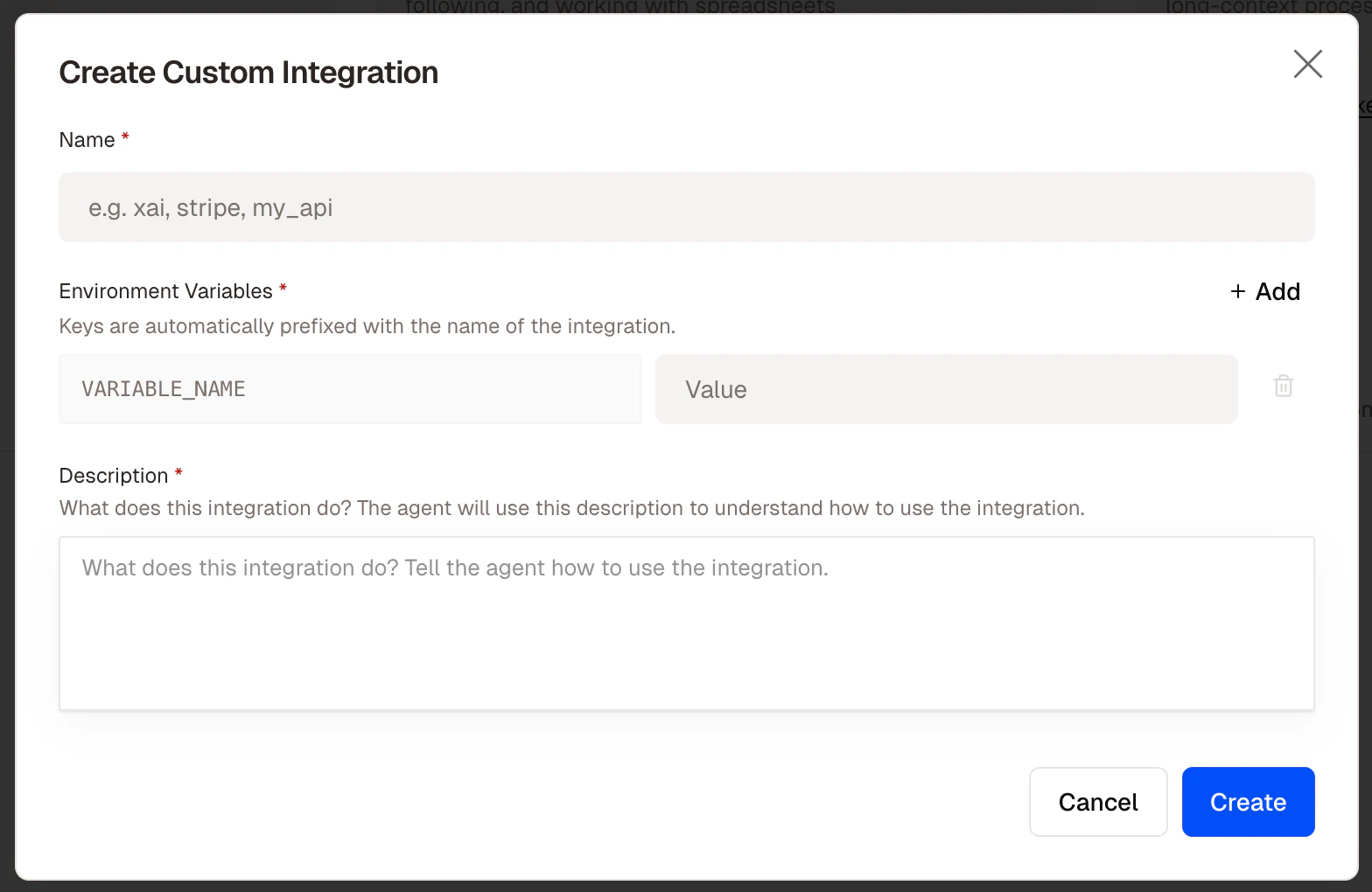
The custom connector creation form with name, environment variables, and description
Using a custom connector in a step
Reference it by name in any step description, exactly like a built-in connector.Managing custom connectors
From Settings → Connectors → Custom you can edit a connector’s name, credentials, or description, add or remove environment variables, or delete a connector. Deleting a connector does not delete workflows that reference it, but those workflows will fail at steps that use it until a replacement is connected.Security
All custom connector credentials are encrypted at rest using AES encryption. Felix only uses them when a workflow step requires it. Credentials are never exposed in logs, outputs, or the code view.Tips
- Write a detailed description. The description is how Felix understands the API. Include the base URL, what the API does, and any important usage notes.
- Test with a simple step first. Before building a complex workflow around a custom connector, create a single step that fetches a known record to confirm the connection works.
- Use descriptive names.
@land_registryand@internal_dmsread naturally in step descriptions.@api1does not. - Add multiple credentials where needed. If an API requires both an API key and a secret, add both as separate environment variables under the same connector.