

Before you start
Sign in at felix.so. Once logged in, you’ll land on the homepage, where you can create a new workflow and see your recent workflows or templates. If you want to connect a third-party service before building — a database, spreadsheet, or AI model — see Connectors first. You can also connect them mid-build when Felix prompts you.1. Create a new workflow
On the homepage, describe what you want to automate in the prompt field.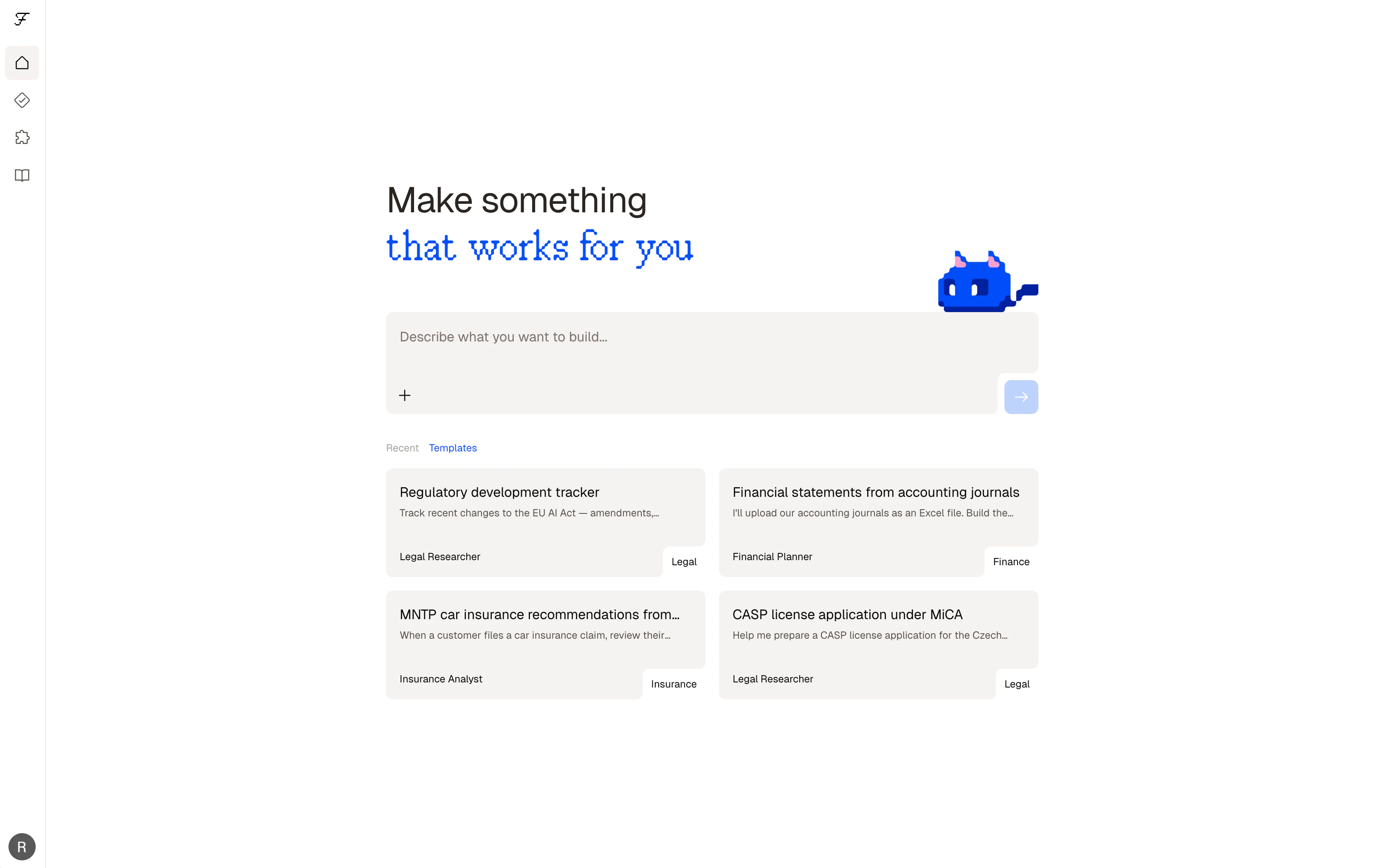
The homepage prompt field where you enter what you want to automate

The chat view after you submit the prompt, where Felix works through your instructions
2. Describe your process
In the chat, continue the conversation — your homepage prompt is already the first message. Add detail, answer Felix’s questions, or refine the goal in plain language. Don’t worry about being precise — Felix will ask follow-up questions to fill in any gaps. A good first description explains:- What you’re working with (documents, data, emails, records)
- What you want to happen to it
- Where the output should go
Felix will ask follow-up questions if it needs more detail. Answer them as you would explain the process to a colleague.
3. Review the steps
Once Felix has enough to build, it generates your workflow as a sequence of steps. Each step does one thing — fetching data, processing a document, calling a service, or waiting for your input. Review each step before running. You can:- Edit a step’s description to adjust what it does
- Add a new step by typing below the last one
- Add a Human Checkpoint to pause execution at any point for your review
4. Connect your tools
If a step requires an external service, Felix will prompt you to connect it. Click the@mention in the step and follow the authentication flow.
Connected services are saved to your account and available across all your workflows.
5. Run it
Click Run to execute your workflow. During a run you’ll see:- Each step processing in sequence
- Outputs produced at each step
- A full log of what happened
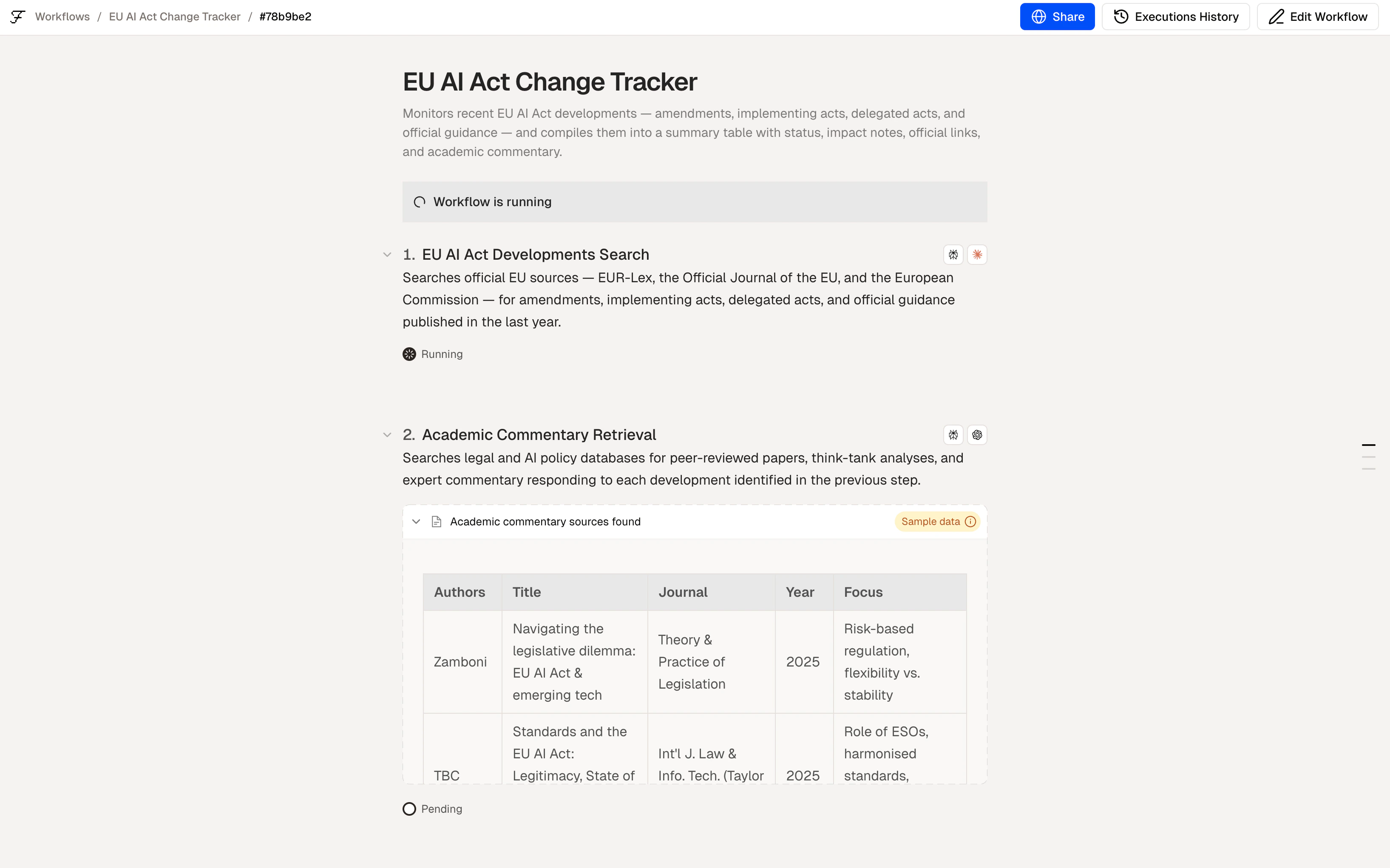
A workflow run in progress showing step statuses
6. Run it again — automatically
Once your workflow is working, you can:- Run it manually whenever you need it
- Schedule it to run automatically at a set time or interval
- Run it as a batch to process multiple items at once
Example: 3-step workflow
Tips
- Start simple. Get one step working before adding more.
- Be specific about outputs. Tell Felix what format you need — a table, a CSV, a document, a notification.
- Use
@mentionsto reference connectors explicitly:@Slack,@OpenAI,@GoogleDrive. - Add Human Checkpoints before any step that sends, publishes, or deletes — so you stay in control.
Building
A closer look at the building flow
Connectors
Connect your tools
Human Checkpoints
Stay in control of automated actions