

When to use a Human Checkpoint
- Before irreversible actions — sending emails, posting documents, deleting records
- After AI-generated content — reviewing a summary or draft before it goes further
- At approval gates — compliance sign-off, partner review, quality checks
- For exceptions — cases that fall outside the normal rules and need a human call
How it works
Add a Human Checkpoint to any step in your workflow by describing it in plain language. Felix generates a pause that:- Stops execution at that step
- Surfaces the relevant output or information for your review
- Presents the options you defined in a form
- Continues execution based on your response
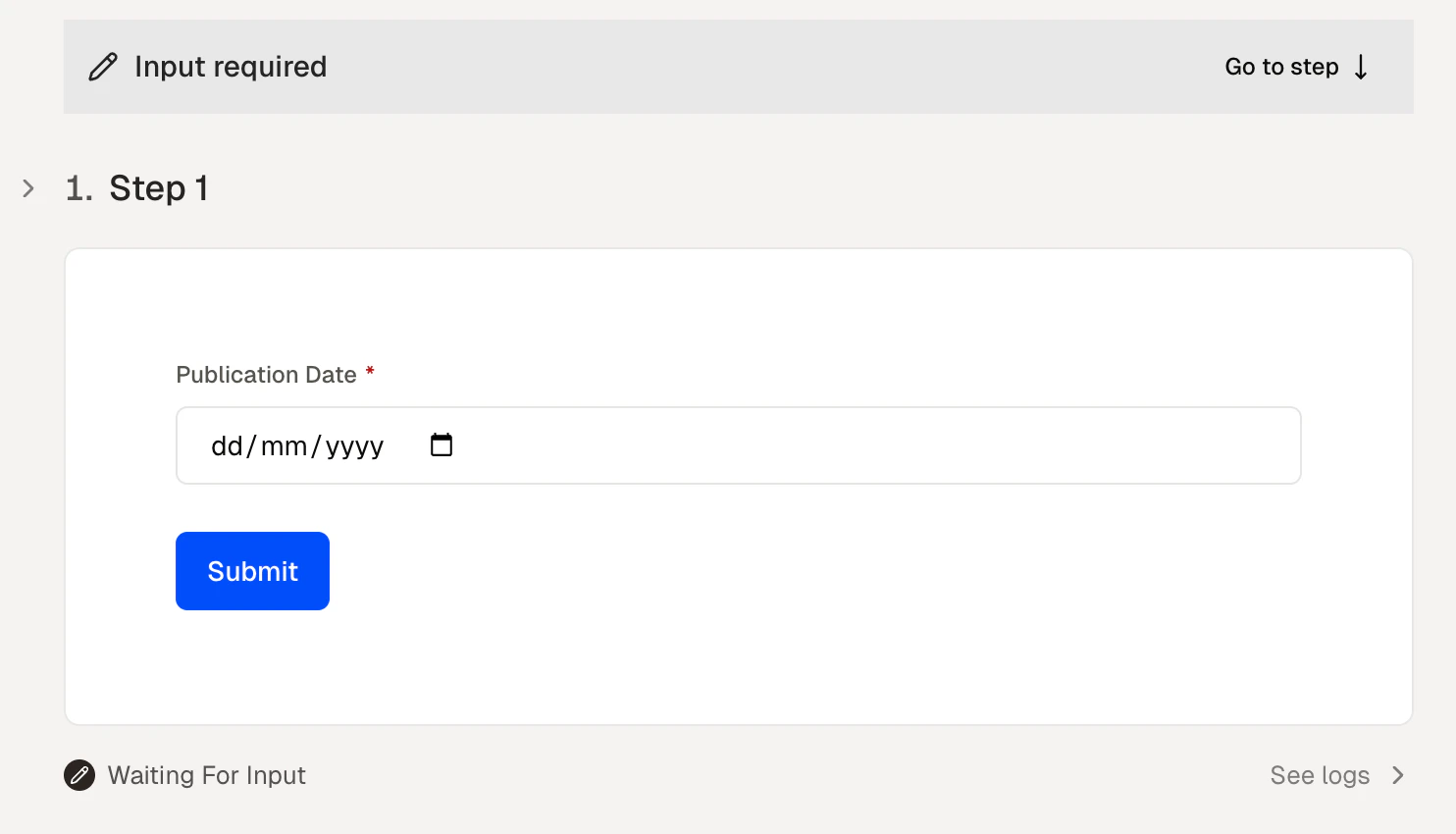
A workflow paused at a Human Checkpoint, waiting for your input
Assigning checkpoints to others
When sharing a workflow, you can assign Human Checkpoints to specific people. Felix notifies the assigned person when execution reaches that step. This enables handoffs — one person runs the workflow, another completes the checkpoint before anything is sent or published. See Share for more on sharing workflows and assigning checkpoints.Tips
- Place checkpoints before actions that are hard to undo. Sending, publishing, and deleting are the most common cases.
- Say what you need at the pause. Describe the decision or information Felix should gather — the checkpoint will follow from that.
- Don’t over-gate. Too many checkpoints reduce the value of automation. Use them where the stakes justify it.
- Assign checkpoints to the right person. If a decision requires a specific role or level of authority, assign it directly.
Steps
Add and configure steps
Share
Assign checkpoints to people
Running
How checkpoints work in scheduled runs